
Filter by Topics

The Filter Map Listing By ViewPort extension for WP MAPS PRO makes it easier for visitors to find relevant locations by showing only the listings whose markers are currently visible in the Google Maps viewport. As users zoom in or drag the map, the list automatically updates, hiding locations outside the visible area.
Requirements:
Before using this feature, ensure that you have installed:
1. WP MAPS PRO
2. Filter Map Listing By ViewPort Extension
If these are not yet installed, please download, install, and configure them first.
How to Enable the Viewport Filter for Map Listings
Step 1: Open Map Settings
Navigate to Add or Edit Map in your WordPress dashboard. Scroll down to the “Filters Maps Listing By Viewport” section.

Step 2: Enable the Viewport Filter
Check the box for “Enable Viewport Filter” in this section.

Step 3: Save Your Changes
Click the ‘Save’ button to apply your settings.
What Happens Next?
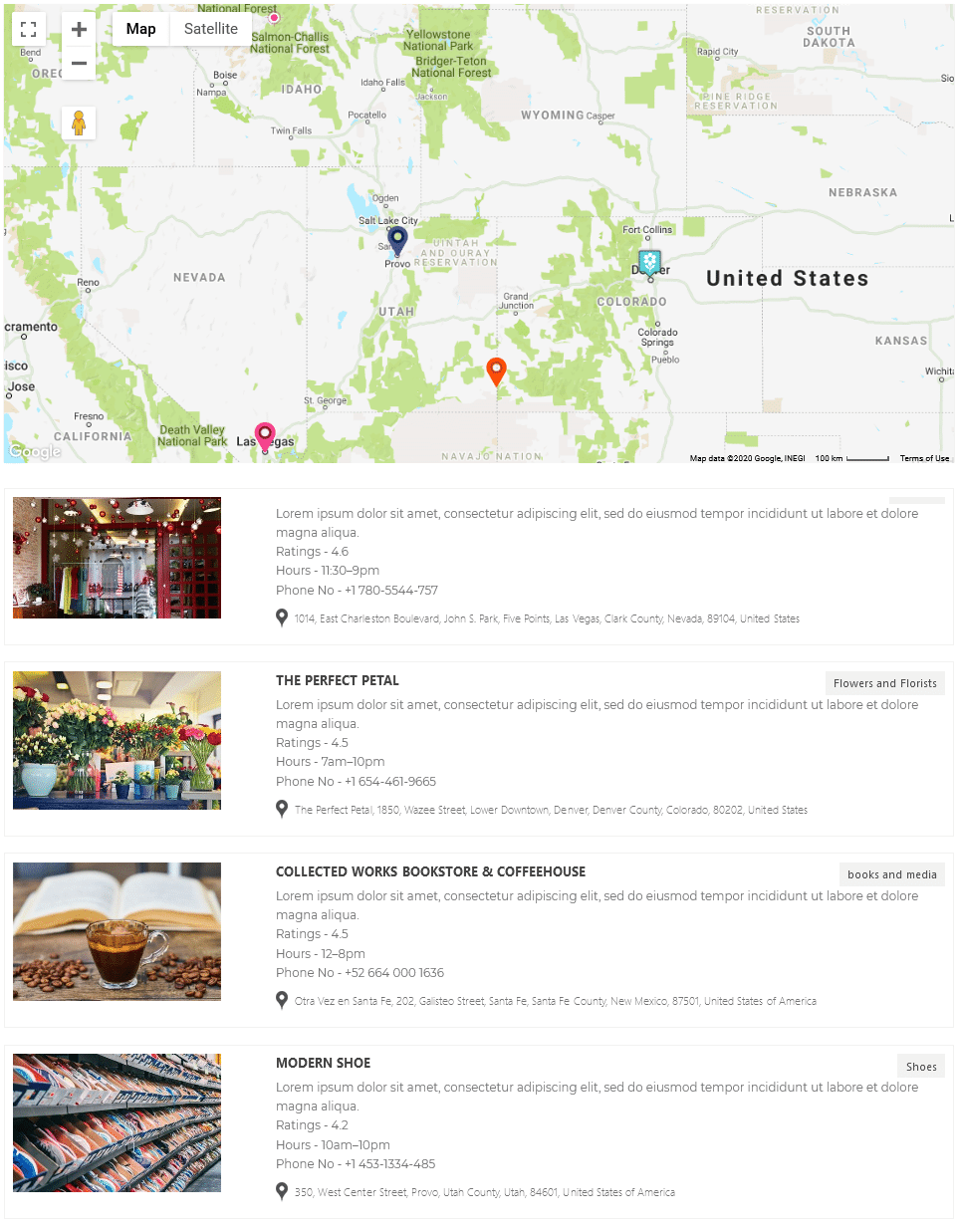
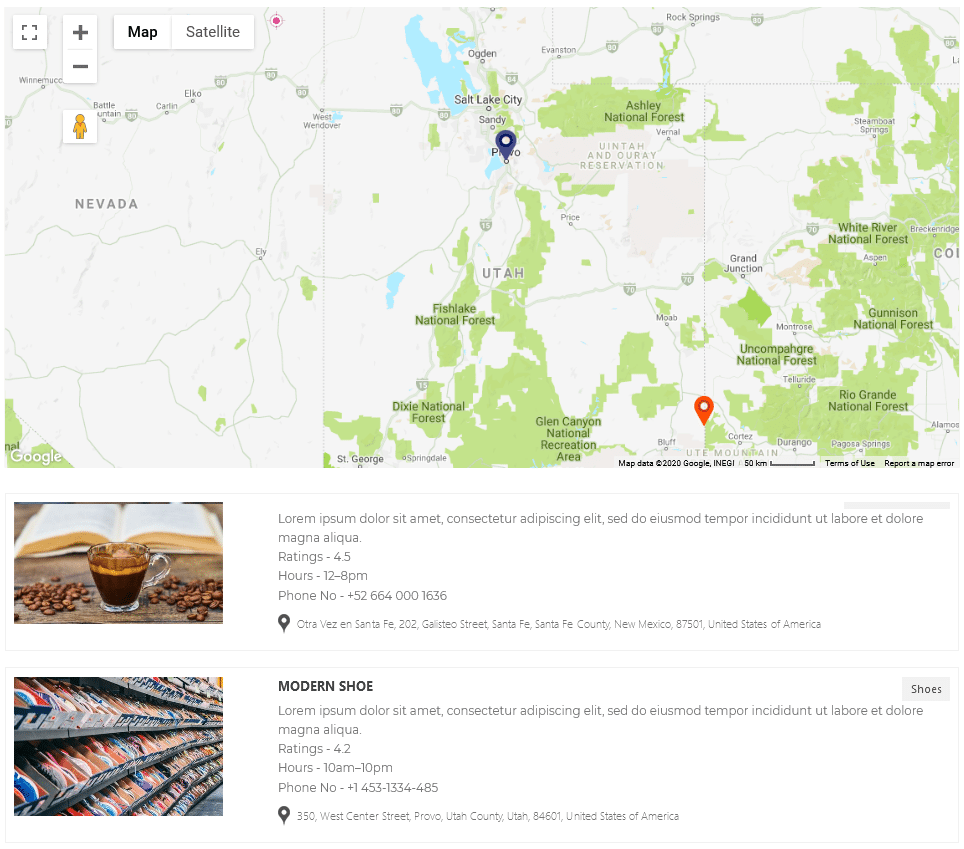
When you refresh your map on the frontend and move or zoom it, the listing will update automatically. Only locations within the visible area of the map will appear in the list — everything else will be hidden.
Before:
After:
Live Demo
To see this feature in action, click here for the demo.
Need Help?
If you have any questions or need assistance, please contact our support team here.